New Feature
- Standard Cost column added to Selling Prices grid
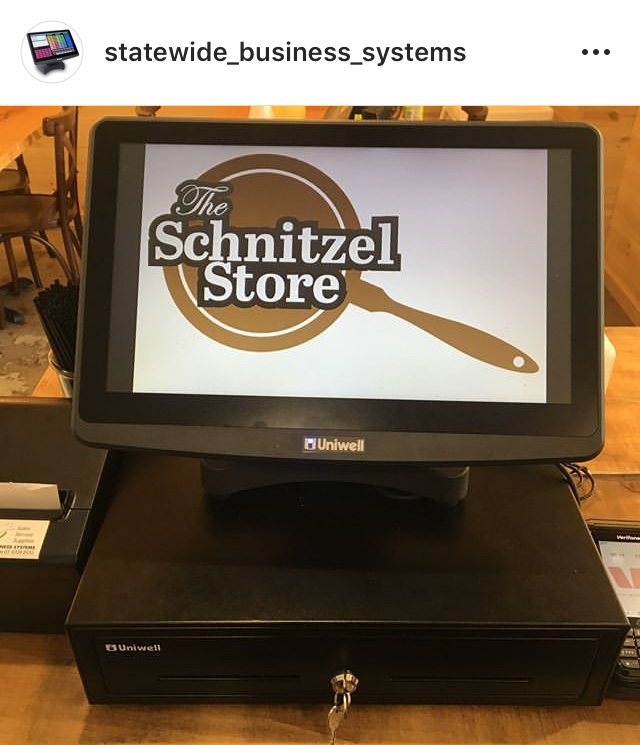
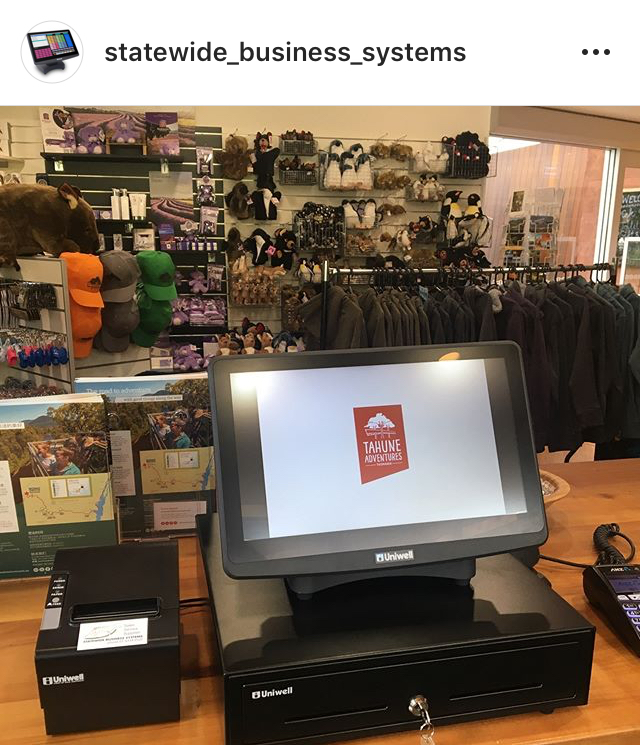
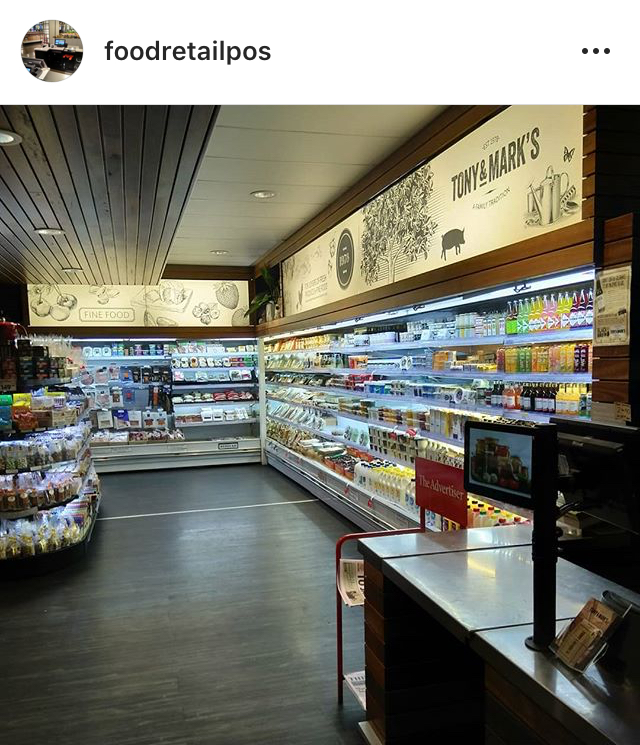
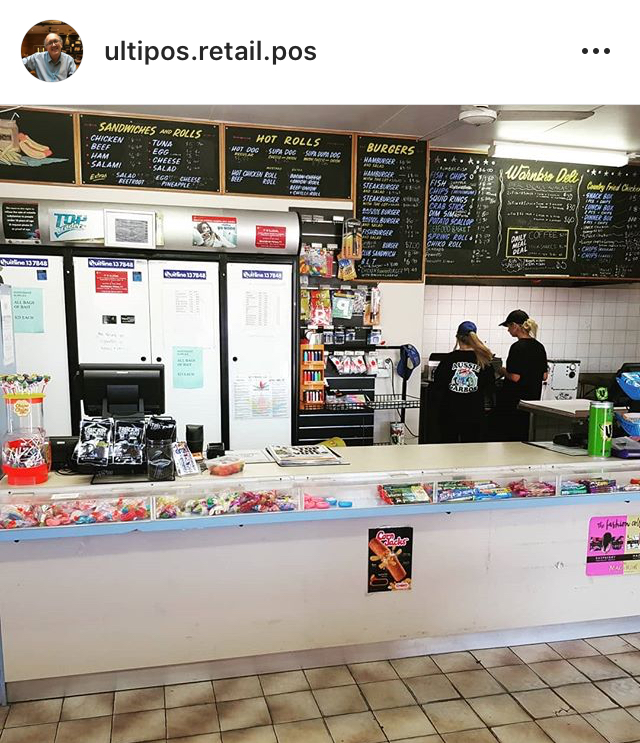
A brand new bunch of installs are now featured on our Recent Installs page!
 |
 |
 |
 |
 With Uniwell Lynx v10 released just a couple of weeks ago, we thought it was a good time to address one of our most common questions – Why upgrade? After all, if your old software works just fine … is it worth the effort and expense?
As much as we love that some businesses are completely happy with our earlier versions of software, here are just three reasons to consider upgrading.
Software development is an ongoing process. Our latest versions of software are the result of over 10 years of constant development. We take requests and suggestions from our resellers and end-users. We look at current market trends and future industry directions. We then take all this information and use it to create a range of new features and to improve our current ones. This results in a product that is easier to use and better suited to the needs of businesses. By upgrading your software, you are able to take advantage of these improvements and new features.
Older versions of software aren’t always compatible with newer POS terminal models and firmware versions, neither are they always compatible with the latest operating systems.
In contrast, the latest version of Uniwell Lynx can be installed on Windows 10 computers and can connect with the newest Uniwell POS terminals. By upgrading your software you can ‘future-proof’ your POS system.
Another reason to consider upgrading is the ability to receive better support. Every Uniwell Lynx version has a support life-cycle that starts when it is initially released and ends when it is no longer supported. Check our Version History page to see when support for old versions ends.
Also, since software features change and improve with every version, it can become difficult for support providers to be able to provide the best and quickest advice when the customer is using an old version of software.
Additionally, online support provisions are constantly being developed for the latest software version, such as our new support tutorials released last week (with more coming soon). They are designed to help you in using your software and getting the most out of it.
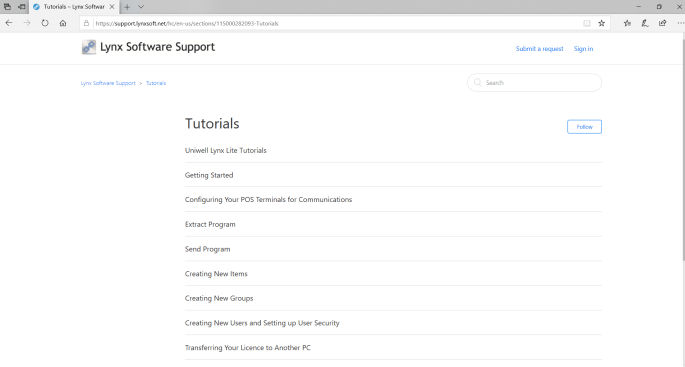
Along with the release of Uniwell Lynx v10 this week, brand new tutorials are now accessible on our support website. They are designed to assist customers in using their software and getting the most out of it. More tutorials will gradually be added.
Visit support.lynxsoft.net to check them out


Here it is! Uniwell Lynx v10 is now available. Click here to find out more about it.
Existing customers can contact their Uniwell Lynx Reseller or Support Provider for more information/upgrade pricing or they can fill out the enquiry form on our Upgrades and Subscriptions page.
New customers interested in purchasing Uniwell Lynx can visit our Buy page.
 Lynx Software