v11 Countdown: New Report Options

Uniwell Lynx version 11 will include some new report customisation options, giving you even more control over the look and content of your analysis reports.

Wide Layout

The Group Hourly Sales and Item Hourly Sales reports will now include a ‘wide layout’ option with configurable column start hours.
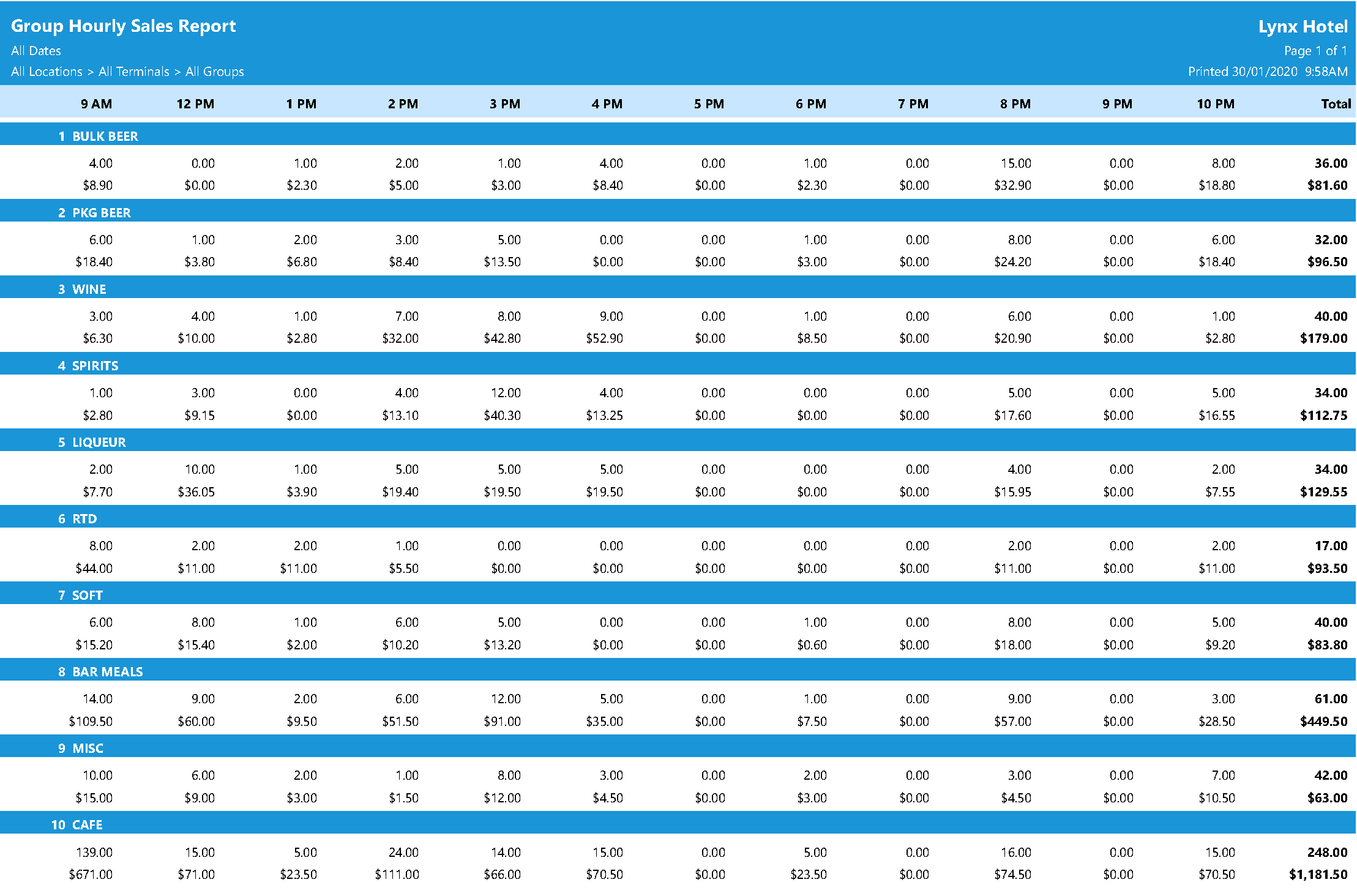
Uniwell Lynx Group Hourly Sales Report

Dashboard KPIs Configuration

A ‘Dashboard KPIs’ option will be available for the Dashboard report. This option will allow you to choose which KPIs you would like included on the report and their layout.

Uniwell Lynx Dashboard KPIs

Report Font Selection

There will now be a selection of fonts to choose from for your reports.

  • Arial
  • Bahnschrift
  • Ebrima
  • Gadugi
  • Nirmala UI
  • Segoe UI
  • Trebuchet MS

New Report Colour Schemes

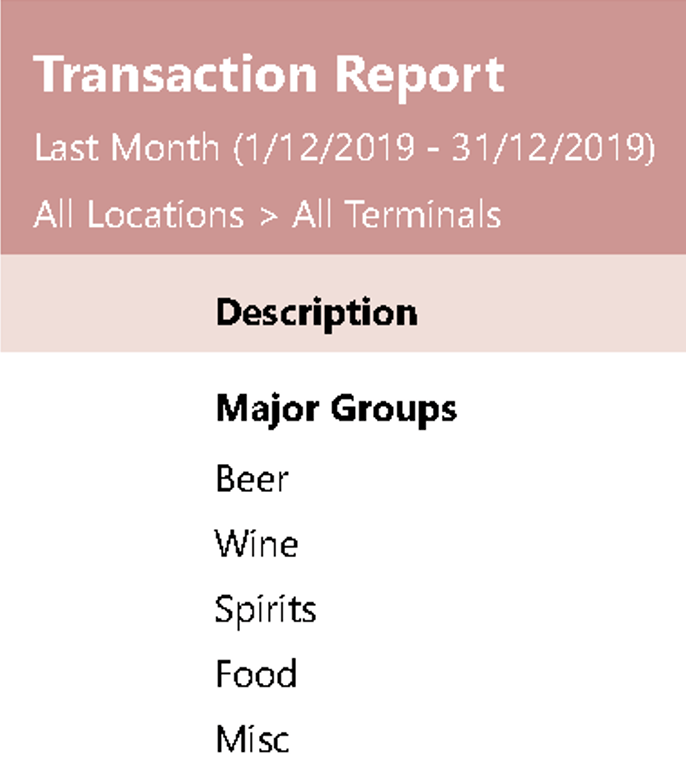
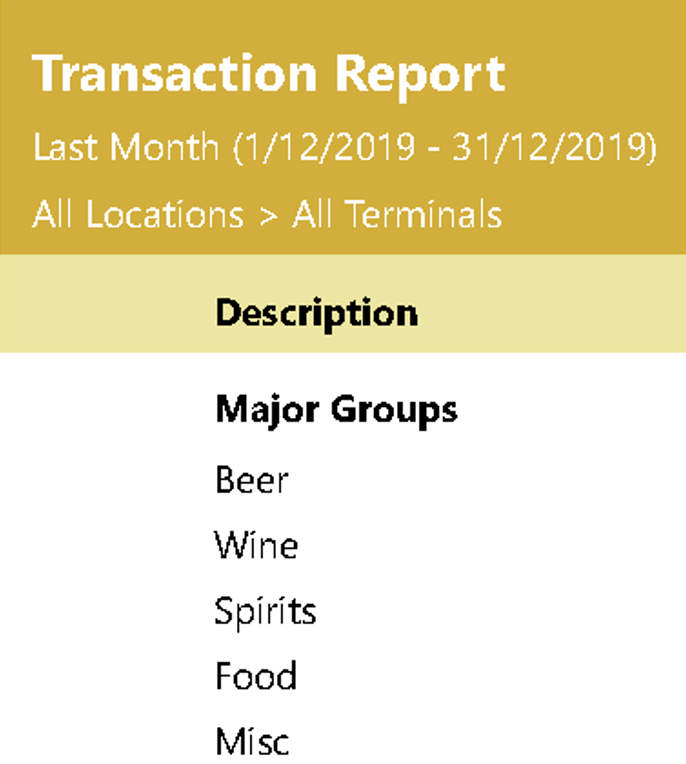
Adding to the existing report colour schemes, version 11 will include 3 new colour schemes to choose from.
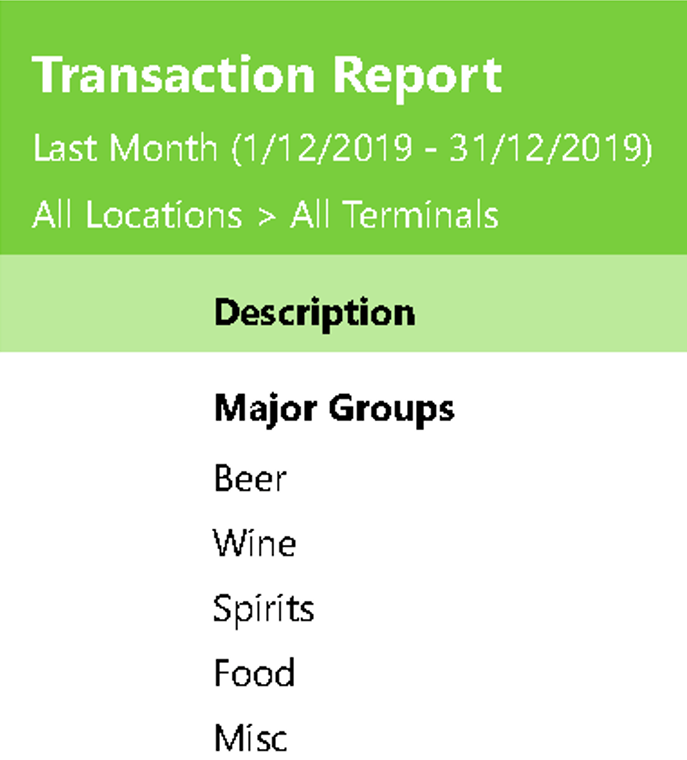
Uniwell Lynx Lime Colour Scheme
‘Lime’
Uniwell Lynx Mustard Colour Scheme
‘Mustard’
Uniwell Lynx Rose Colour Scheme
‘Rose’

Uniwell Lynx v11 will be released on February 11, 2020

Get 10% off your upgrade to Version 11 – click here for details
Version 11 Countdown: First Look

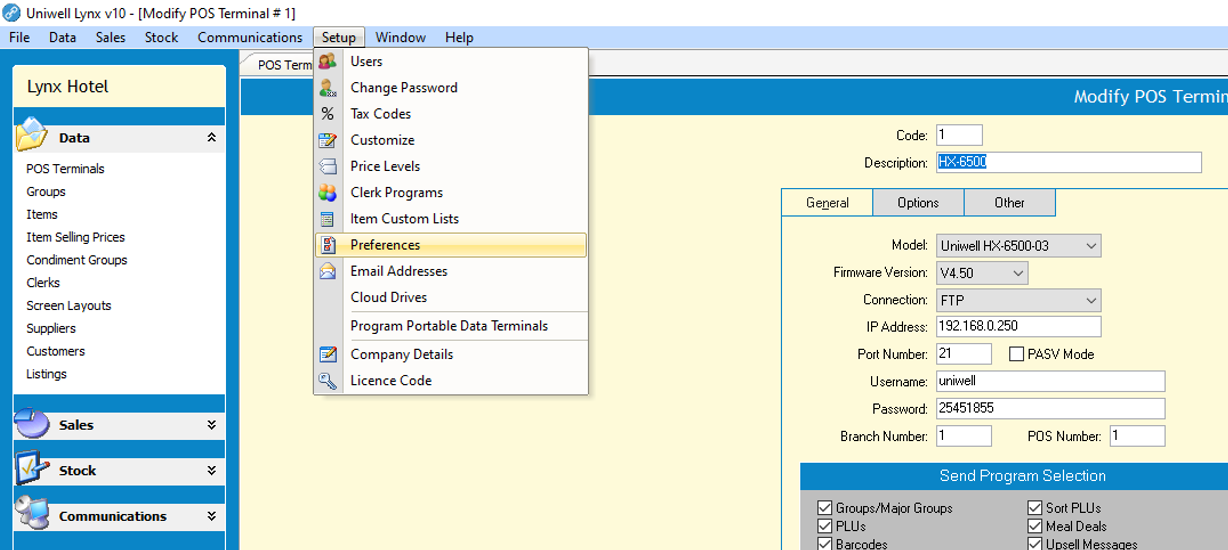
With a new user interface font, automatic form scaling, new graphical icons and some new colour schemes, Uniwell Lynx v11 is looking great and is even easier to use. Here’s a sneak peek with some before and after screenshots from v10 and v11. Click on the images for a closer look!

Before (v10)

Uniwell Lynx v10

After (v11)

Uniwell Lynx v11

Uniwell Lynx v11 will be released on February 11, 2020

Get 10% off your upgrade to Version 11 – click here for details

Uniwell Lynx v10.03.0024

New Features

  • Performance improvements
    • Data Conversion (Lite/Standard)
    • Zero Item Sales report
    • Major Group Spend Analysis report
    • Group Spend Analysis report
    • Group Hourly Sales report
    • Item Hourly Sales report
    • Stock Valuation report
    • Stocktake Variance report
    • Stock Hourly Usage
    • Customer Invoices grid
    • Customer Receipts grid
    • Journal Receipts grid
  • Customer Invoices, Customer Receipts, Journal Receipts
    • Default date range changed to Today for faster initial grid load
    • Apply button added to Custom date range to prevent unnecessary grid refreshes while selecting data range
  • Location Sales report with ‘Sort by rank’ option
  • Support added for Taxable Tax Subtotal figures on Transaction report
  • Support for receiving screen bmp files from an FTP server when collecting sales