New Feature
- ‘Use person count’ option added to Clerk Analysis, Dashboard and Weekly KPI reports
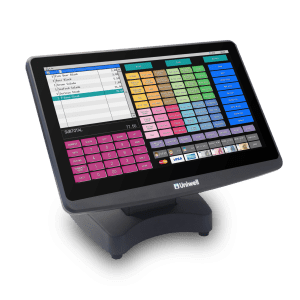
As part of their ongoing development, Uniwell Corporation release firmware upgrades for their AX/HX series POS terminals from time to time. These firmware upgrades include new features and/or fixes for known issues.
Your authorised Uniwell dealer can advise you about the firmware upgrades available for your system. However, it is important to check that firmware upgrades are compatible with the version of Uniwell Lynx you are using BEFORE upgrading. To assist with this we have added a firmware compatibility chart to the Supported POS Terminals page of our web site.
All Uniwell Lynx Licence Status pages have now been updated. Follow the instructions below to find out if you are entitled to a free upgrade to Version 9.
If you are entitled then contact your Uniwell Lynx Reseller to obtain your Version 9 licence. If not, then visit our Upgrades pages to find out more about the advantages of upgrading to Version 9.
 Lynx Software