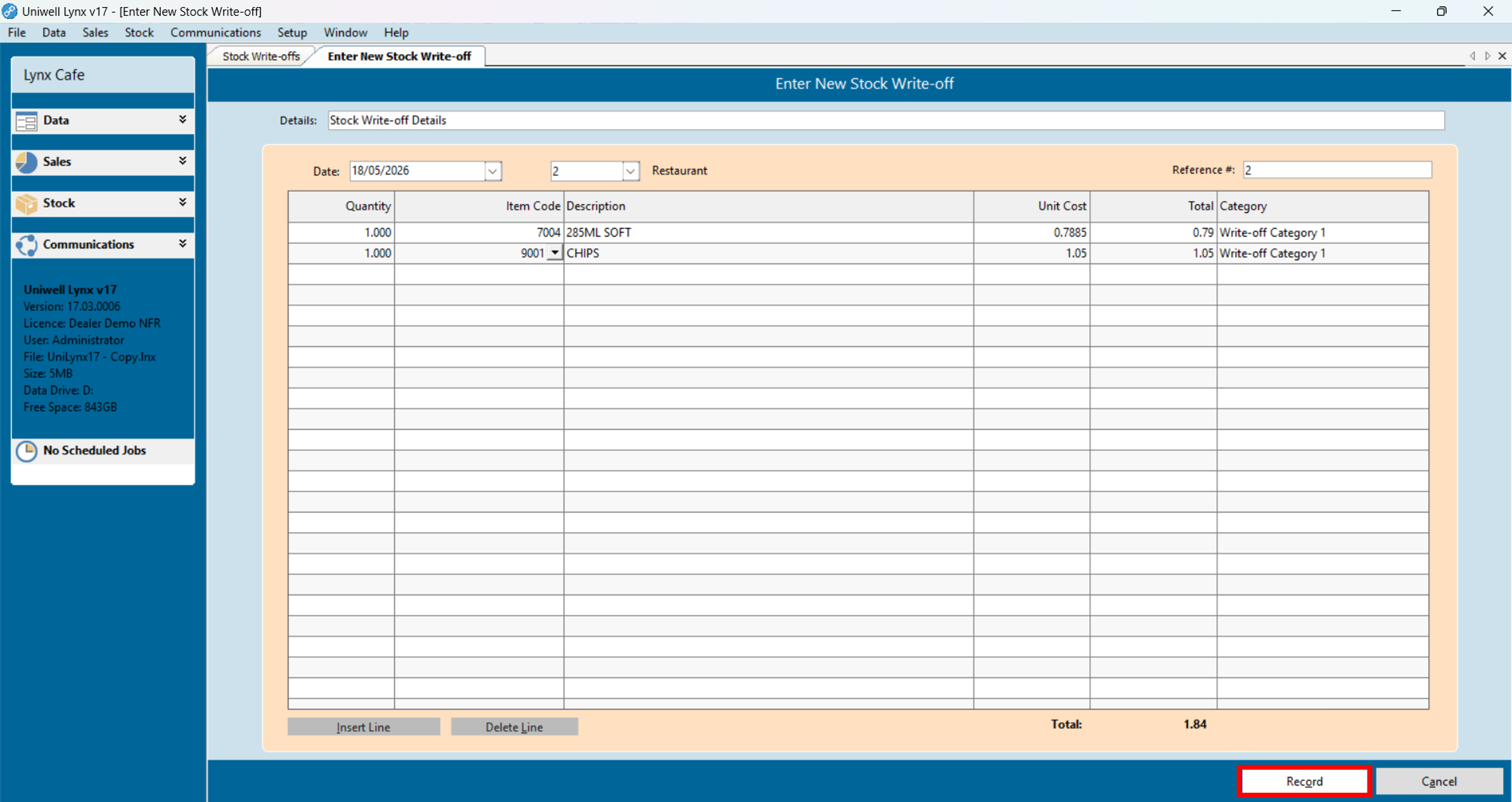
Stock write-off transactions are typically used to account for breakage, wastage or any other event that results in the loss of stock.
To enter a new stock write-off:
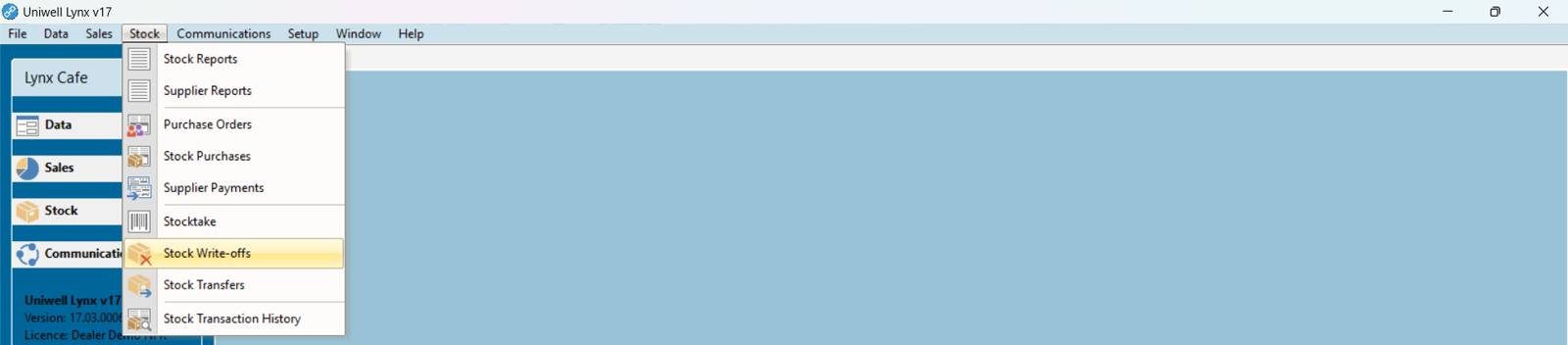
- Go to the Stock menu and select Stock Write-offs
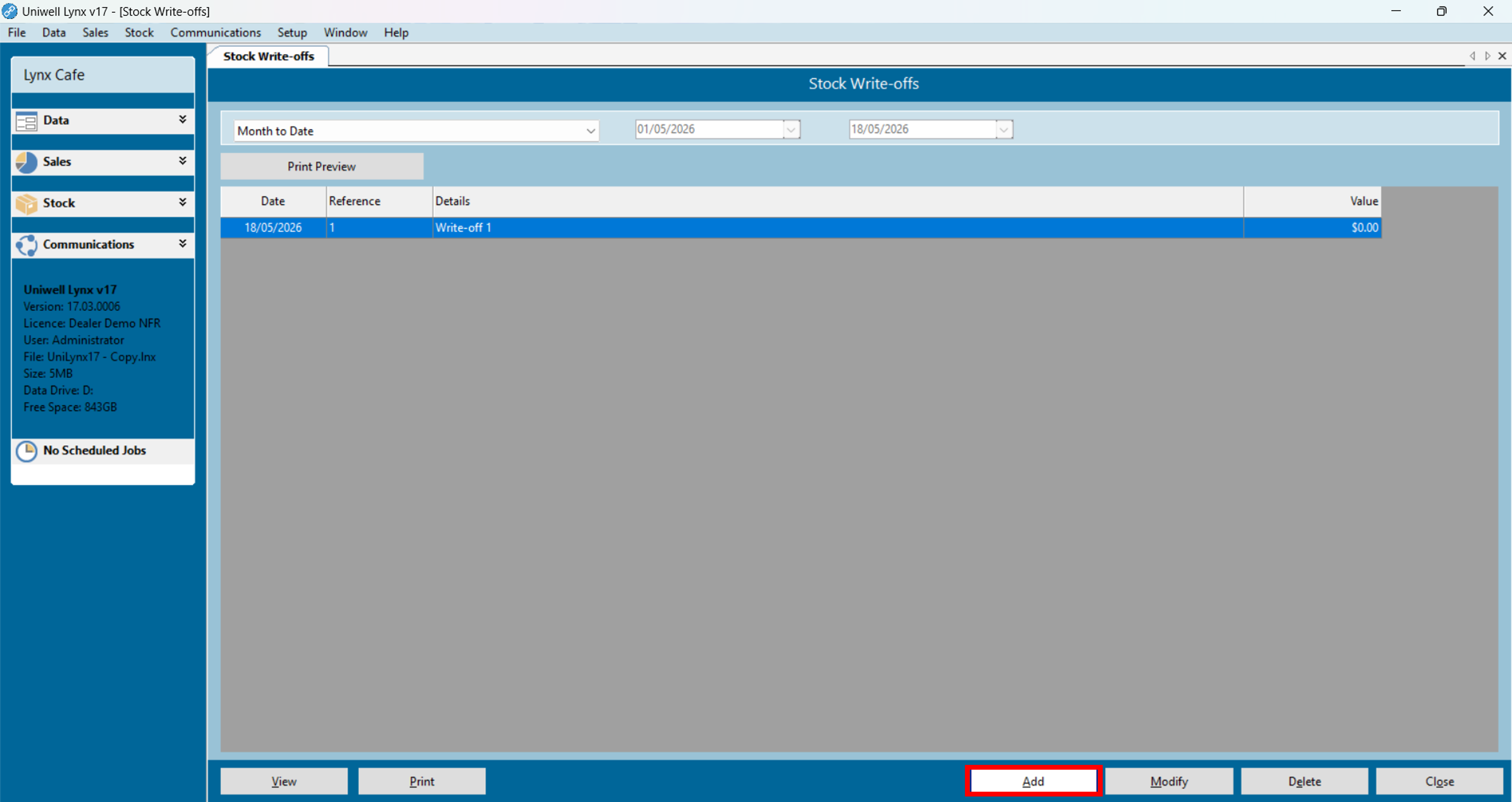
- Click the Add button
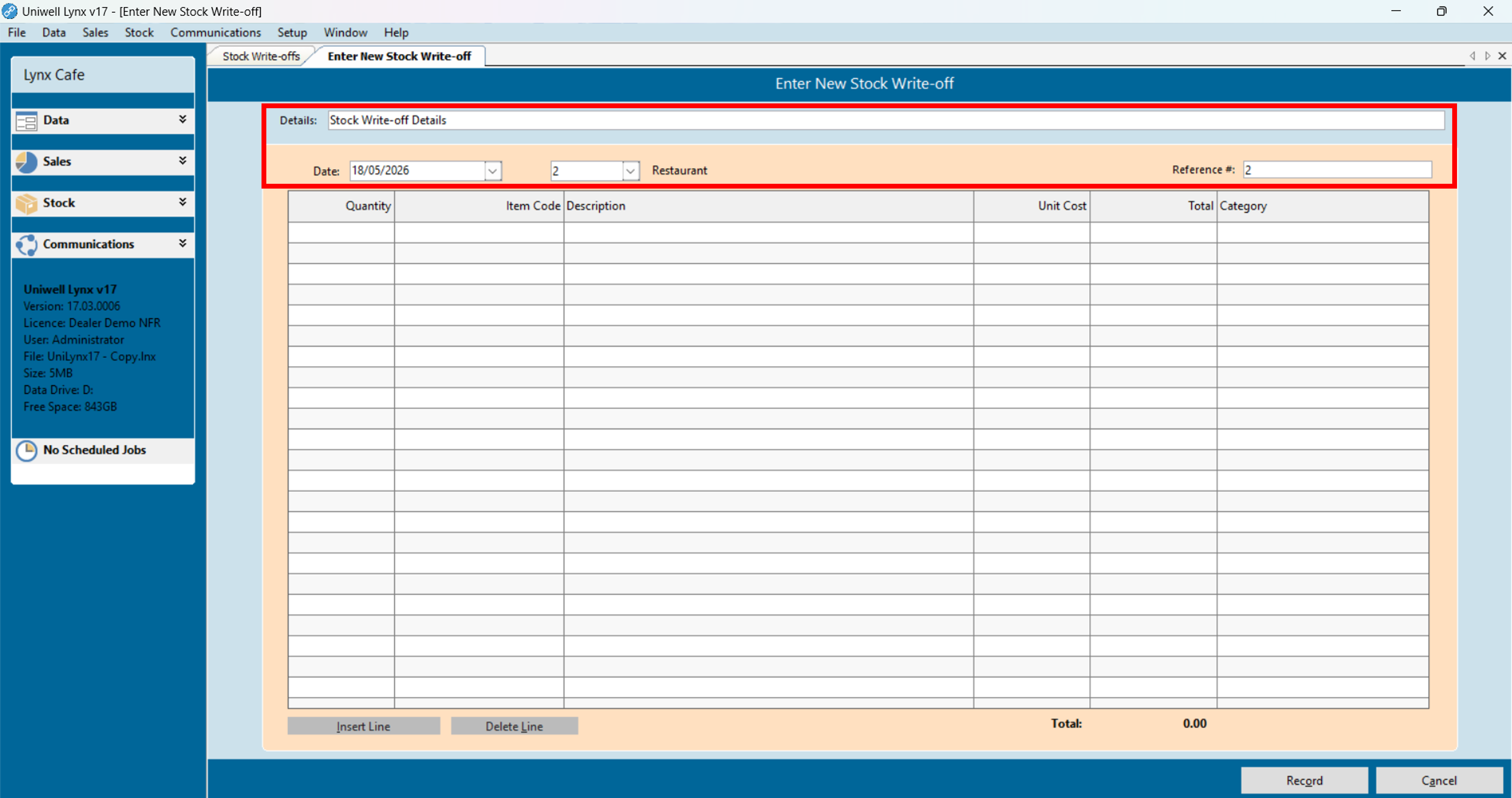
- Enter the details, date, location and a reference number
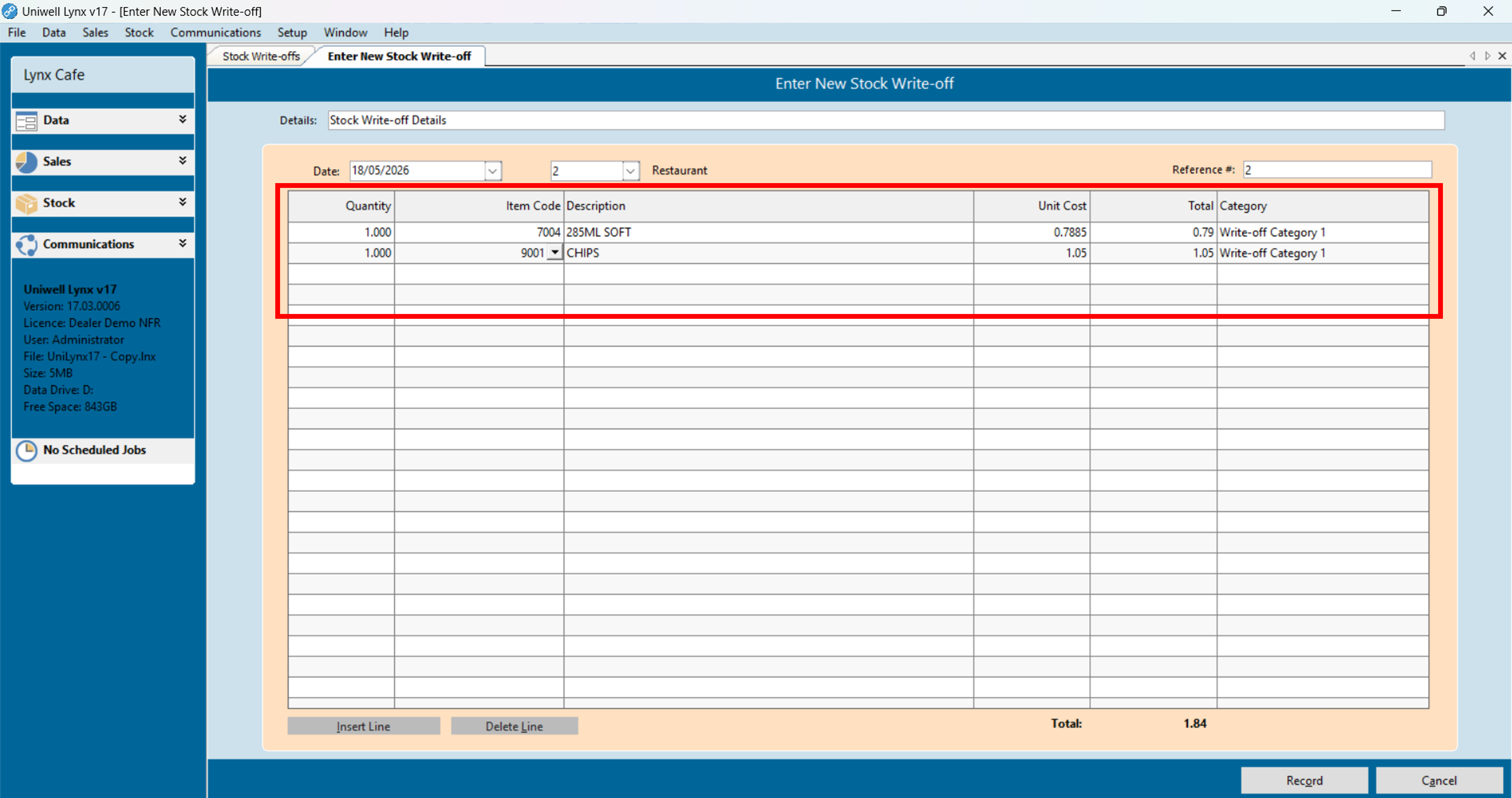
- Fill in the write-off lines. Enter the quantity, select the item and a write-off category. For information on how to customize the names of your write-off categories, see our separate tutorial: Customize Write-off Categories
- Click the Record button to finalise